Services
Add new Services
Step 1 - Log in to your WordPress Administration Panel (Dashboard).
Step 2 - Click the 'Services' tab. Click the Add New Services button.

You can instantly edit the title, paragraph, icon, or excerpt — or customize their style by clicking the Edit with Elementor button.
Title and paragraph

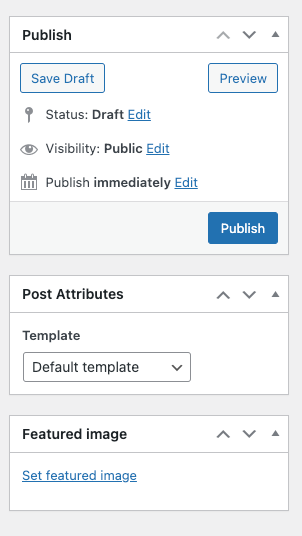
Publish, Post Attributes, Featured Image
Kenstre Services Widget
Display a customizable list of project posts with multiple layout styles. Supports grid, carousel, and pagination options, plus full control over typography, colors, and spacing in Elementor.
Services content config

Services style config

Last updated