Step 1 - Log in to your WordPress Administration Panel (Dashboard).
Step 2 - Click the 'Projects' tab. Click the Add New Project button.
You can instantly edit the title, paragraph, icon, or excerpt — or customize their style by clicking the Edit with Elementor button.
Title and paragraph
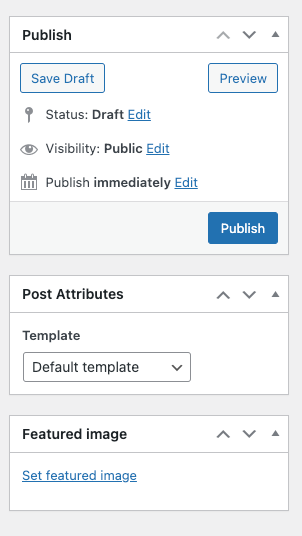
Publish, Post Attributes, Featured Image
Kenstre Project Widget
Display a customizable list of project posts with multiple layout styles. Supports grid, carousel, and pagination options, plus full control over typography, colors, and spacing in Elementor.