

Elementor config
Settings
Step 1 - Log in to your WordPress Administration Panel (Dashboard)
Step 2 - Click the ' Elementor.
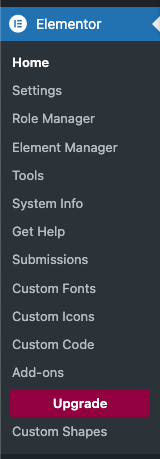
Step 3 - Click the 'Settings'.
Step 4 - You will see all tabs for setting of elementor , in General tab
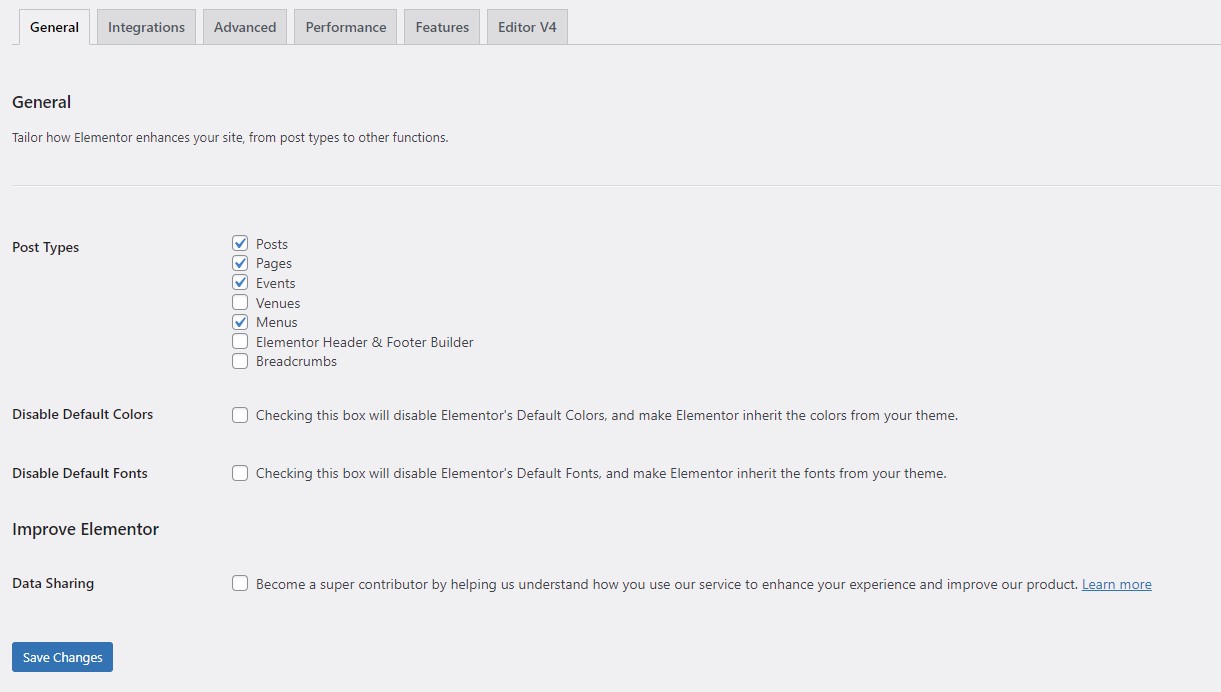
Step 5 - Infeatures tab you will see all config for Features

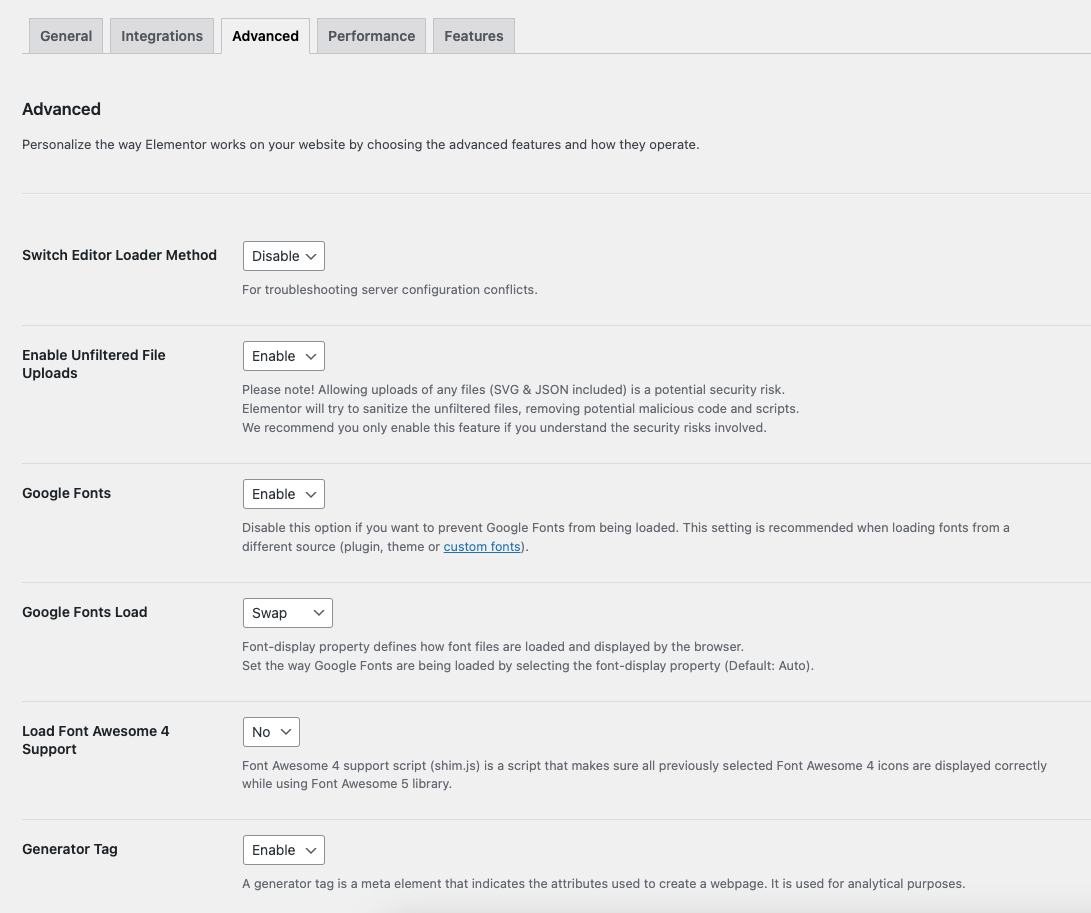
Step 6 - Intergrations and Advanced display config for elementor.
2. Tools controls
Step 1 - Log in to your WordPress Administration Panel (Dashboard)
Step 2 - Click the ' Elementor' tab.
Step 3 - Click the 'Tools.
Step 4 - You will see config for set up control for elementor , with General controls tab.

Step 5 - Integrations: Google Maps Embed API is a free service by Google that allows embedding Google Maps in your site. For more details, visit Google Maps' Using API Keys page.

Step 6 - Advanced : display config for elementor.

Last updated