# Set up Menu
**Step 1-** Login to the WordPress Dashboard.
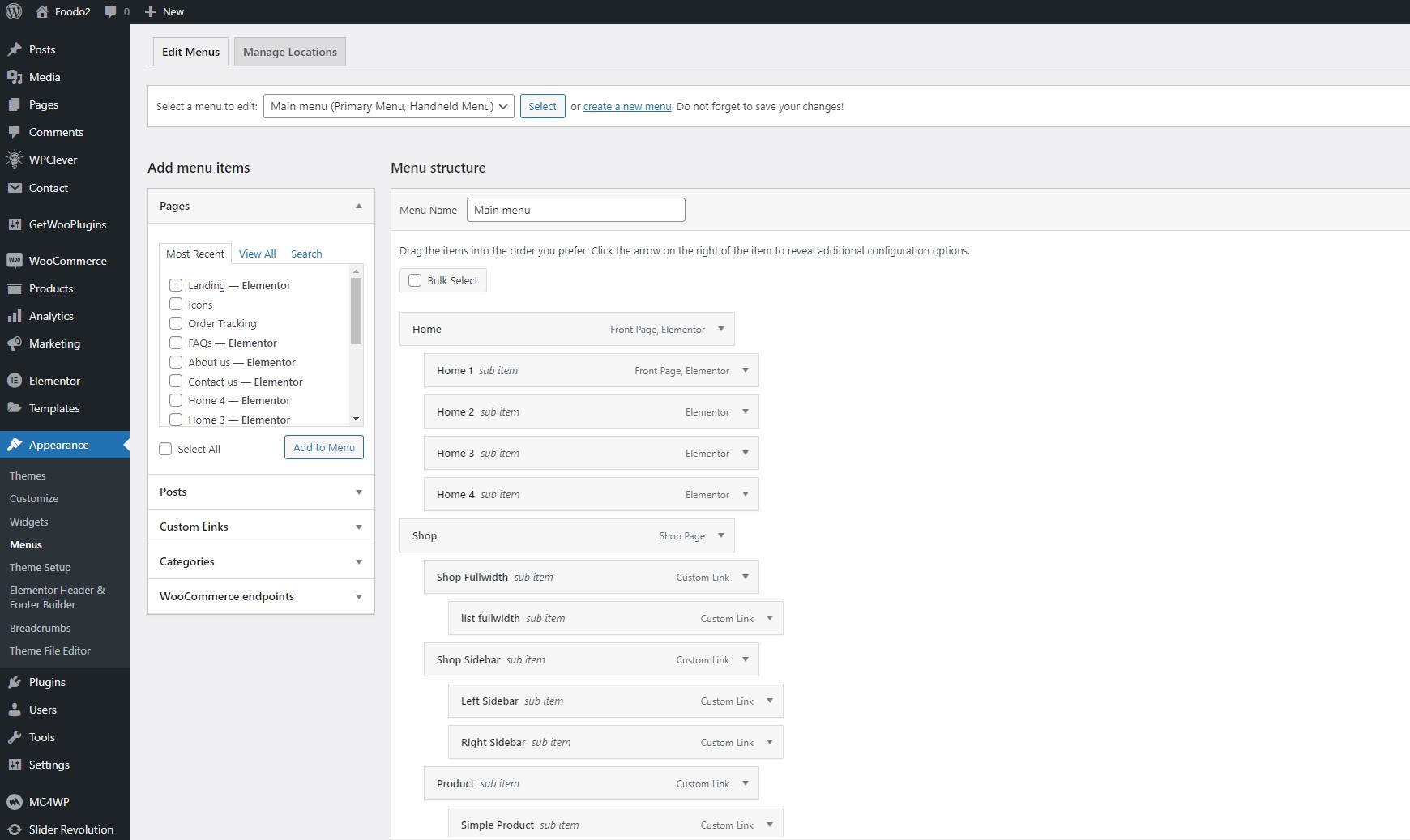
**Step 2-** From the 'Appearance' menu on the left-hand side of the Dashboard, select the 'Menus' option to bring up the Menu Editor.
**Step 3 -** Select Create a new menu at the top of the page.
**Step 4 -** Enter a name for your new menu in the Menu Name box.
**Step 5 -** Click the Create Menu button. Your menu is now defined, and you can now add pages to it (steps below).

**Step 6** - Select the Pages that you want to add by clicking the checkbox next to each Page's title.
**Step 7** - Click the Add to Menu button located at the bottom of this page to add your selection(s) to the menu that you created in the previous step.
**Step 8** Fill in the information on the menu that you want to display.
**Step 9** - Assign each Theme Location with a menu. You can assign menus to multiple Theme Locations.

**Step 10** - Click the Save Menu button once you've added all the menu items you want. Your custom menu has now been saved.
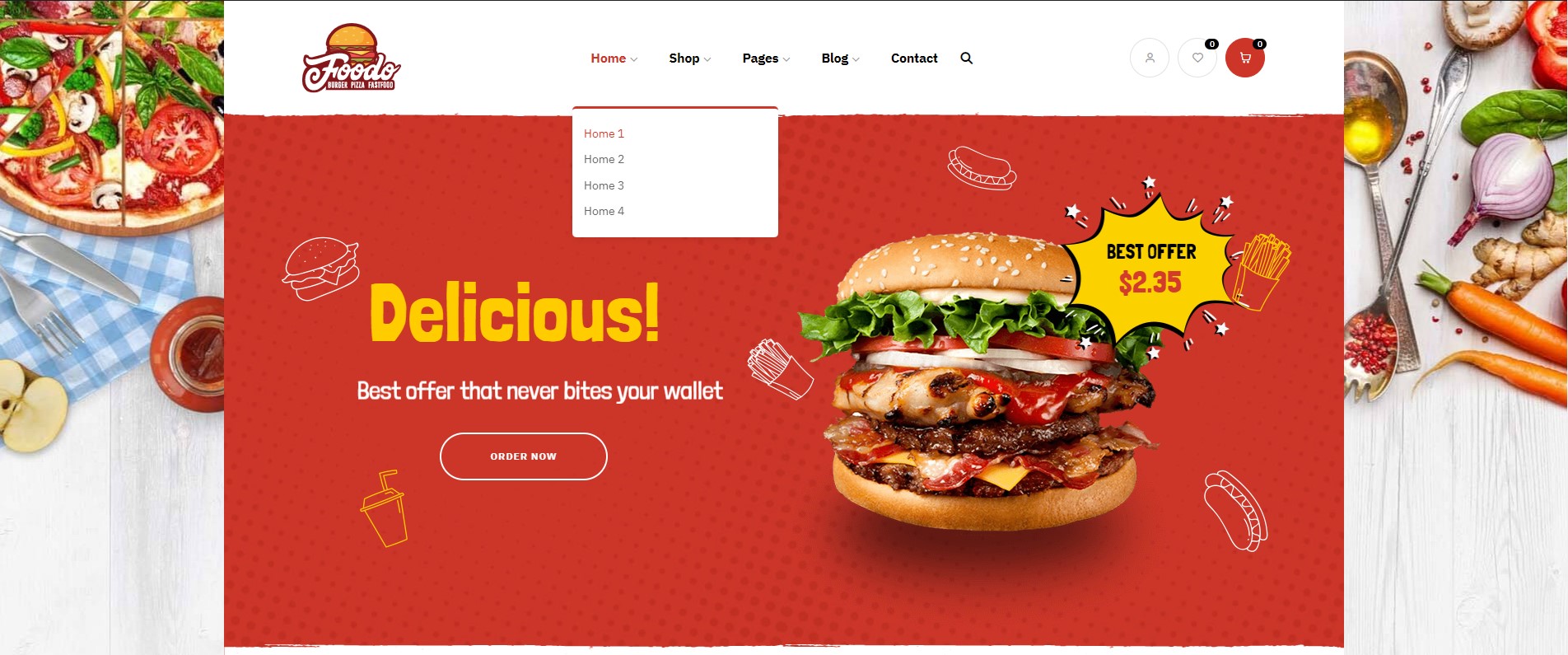
Menu Home will be displayed.
**If you want to know more, please watch our video guide: "**[**How to create Menu by Elementor**](https://www.youtube.com/watch?v=UqDEhDqpB7Q\&feature=youtu.be)**"**
{% embed url="" %}
****