> For the complete documentation index, see [llms.txt](https://wpdocs.gitbook.io/finpoan/llms.txt). Markdown versions of documentation pages are available by appending `.md` to page URLs; this page is available as [Markdown](https://wpdocs.gitbook.io/finpoan/setting/color.md).
# Color
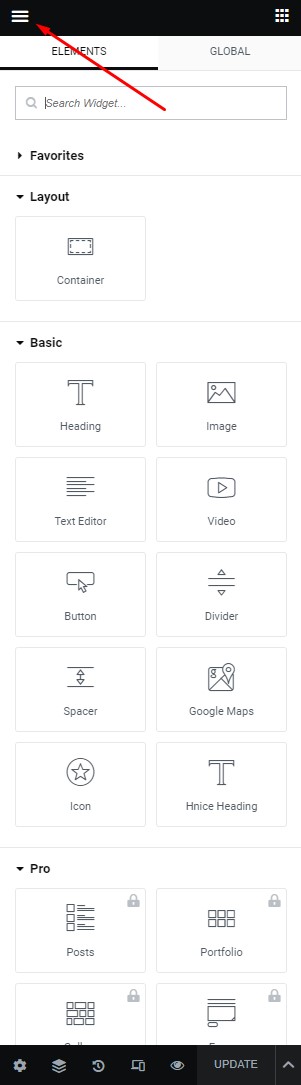
**Step 1** - You can go to any **Elementor** edit page.
**Step 2** - Site Settings -> Global Colors
**Step 3** - Setting color for your site
1\. **The Primary Color** is the main color of your site.
* Regular: original color
* Hover: color when hovering items
Example: Color Button, Color Link, and some other places.
2\. **Secondary Color** is the color of the heading text.
3\. **Text Color** is the color of the content text.
Example: Color content, description ... in a single blog, single product, page ...
Example: Color Title, Title Tab...
4\. **Accent Color** is the color button...
5\. **Border Color** is the color border block.
Example: border product block, border form input, and places with borders ...
6\. **Light Color** is the color light used for sub-description.
Example: Color categories, color date-time, color subtitle ...
Note: Color is sometimes used for many special places to see which colors apply correctly to what cases you can select and test.